Complete guide to accessing geo-restricted websites in the UK using VPN. Step-by-step setup for iOS & Android devices. Free, unlimited bandwidth available.
Living in the UK and frustrated by website restrictions? You're not alone. From streaming platforms showing different content libraries to news sites blocking UK visitors, geographic restrictions can make the internet feel surprisingly small. Here's your complete guide to using a VPN to access the full, unrestricted internet from the UK.
The UK's digital landscape includes various types of website restrictions, each with different reasoning:
Licensing Agreements: Streaming services like Netflix, Hulu, or BBC iPlayer show different content in different countries due to complex licensing deals. What's available in the US might not be licensed for UK viewers.
Copyright Protection: Some content creators or publishers restrict access to UK users due to regional copyright agreements or distribution deals.
Regulatory Compliance: Websites sometimes block UK traffic to avoid compliance with UK-specific regulations like GDPR implementation or advertising standards.
Commercial Decisions: Some businesses simply choose not to serve UK customers due to tax implications, shipping costs, or legal complexities.
Regional Content Strategies: News outlets or services may have UK-specific versions and redirect or block access to their international content.
A VPN (Virtual Private Network) works like a digital teleporter for your internet connection. Instead of websites seeing your request coming from London, Manchester, or Edinburgh, they see it coming from New York, Tokyo, or anywhere else your VPN server is located.
Here's the simple process:
Getting VPN protection on your iPhone or iPad takes just a few minutes:
Step 1: Download from App Store
Step 2: Install and Open
Step 3: Choose Your Location
Step 4: Connect
Step 5: Verify Connection
Android VPN setup is equally straightforward across all device manufacturers:
Step 1: Download from Google Play Store
Step 2: Launch and Navigate
Step 3: Select Server Location
Step 4: Connect
Step 5: Confirm Protection
Website Still Shows Restrictions:
Slow Connection Speeds:
Apps Not Working with VPN:
What's Legal: Using a VPN to access geo-restricted content is legal in the UK. VPNs are legitimate privacy and security tools used by businesses and individuals worldwide.
Service Terms: While VPN use is legal, some streaming services prohibit VPN usage in their terms of service. This is a contract issue, not a legal one.
Responsible Usage: Use VPNs to access content you'd normally be able to view if you were traveling, not to circumvent legal restrictions or engage in illegal activities.
Website restrictions don't have to limit your internet experience from the UK. Whether you're trying to access international streaming content, research global news sources, or simply browse without geographic limitations, a VPN gives you the freedom to explore the full internet.
For iPhone and iPad users: Download VPN - Super Unlimited Proxy from the App Store and connect to servers worldwide in minutes.
For Android users: Get the app from Google Play Store and enjoy unrestricted access across all your Android devices.
For everyone: Experience what the internet looks like when geography doesn't determine your access.
The internet was designed to be global. Your access to it should be too.
Ready to bypass UK website restrictions? Download VPN - Super Unlimited Proxy today and experience true internet freedom from anywhere in the UK.
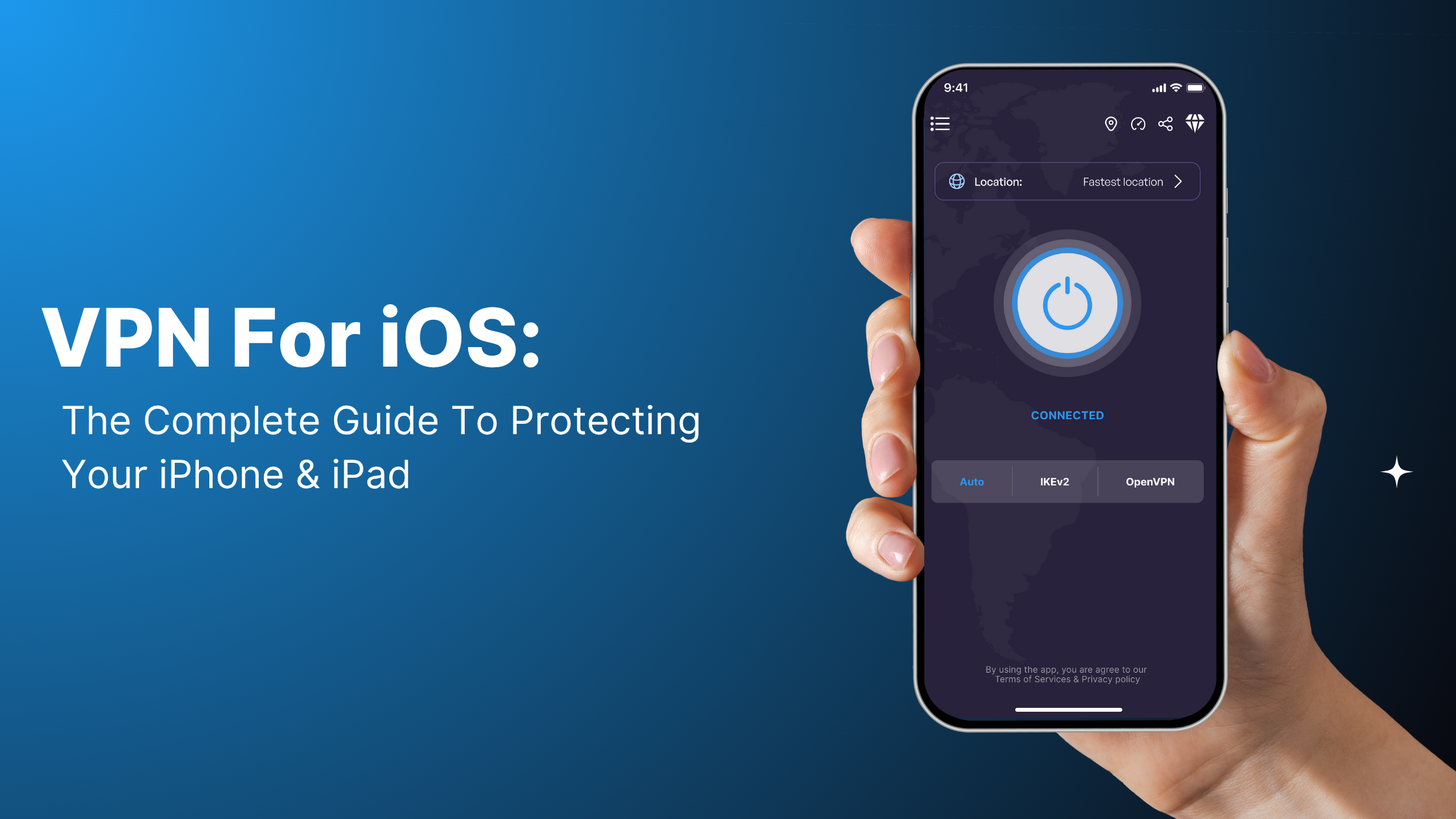 VPN for iOS: The Complete Guide to Protecting Your iPhone and iPadThis comprehensive guide explains why iPhone and iPad users need VPN protection and how to set it up easily. Despite Apple's built-in security, iOS devices remain vulnerable to public WiFi threats, ISP tracking, and geographic restrictions. The article walks through setting up VPN - Super Unlimited Proxy, highlighting its free features like unlimited bandwidth, 80+ global servers, and no activity logging. It also covers iOS-specific benefits, troubleshooting common issues, and when to consider upgrading to premium features for enhanced speed and multi-device protection.
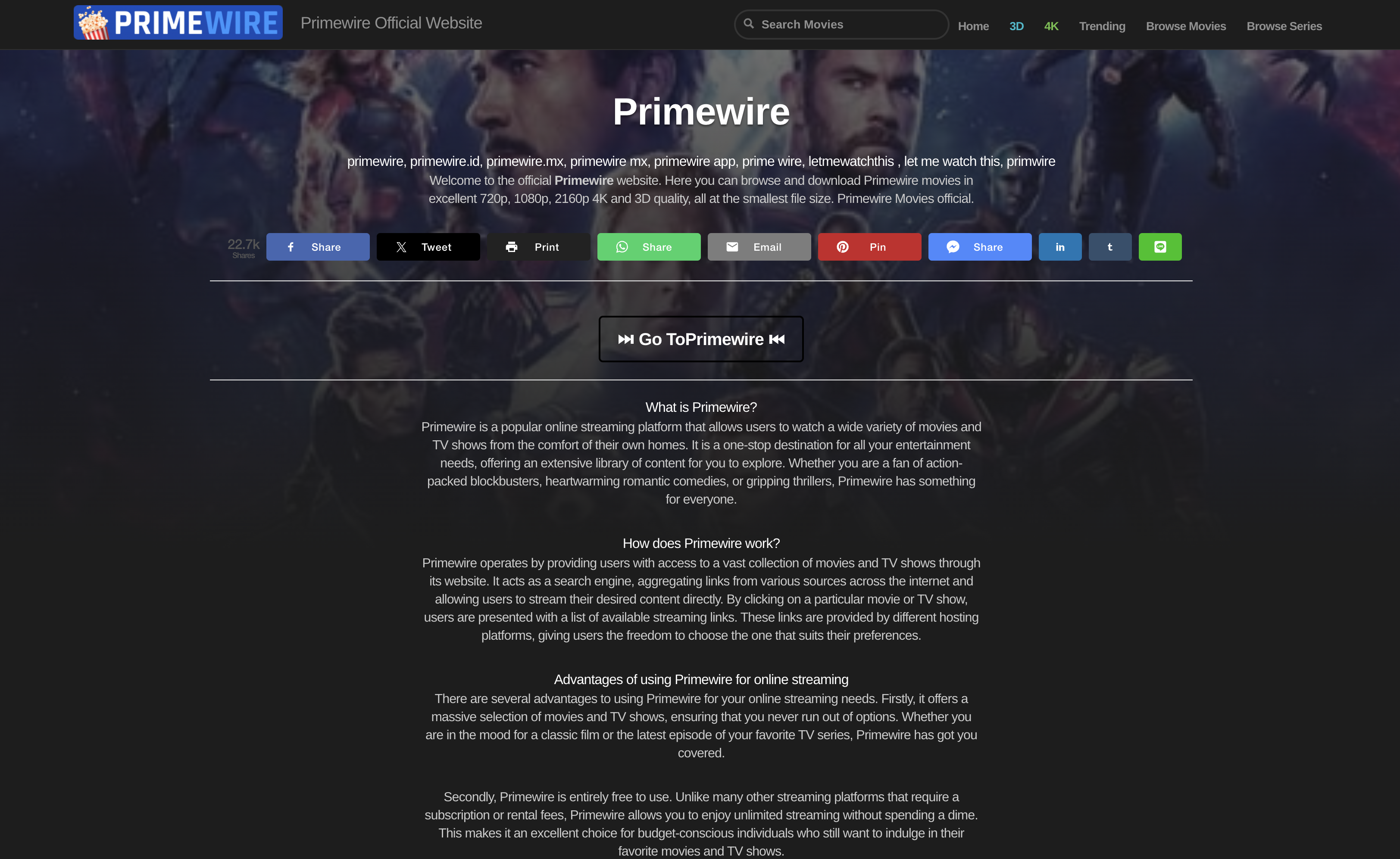 Is Website BannedIs Primewire Banned in UK?Learn why UK banned Primewire and how you can access it using a VPN in 3 simple steps.
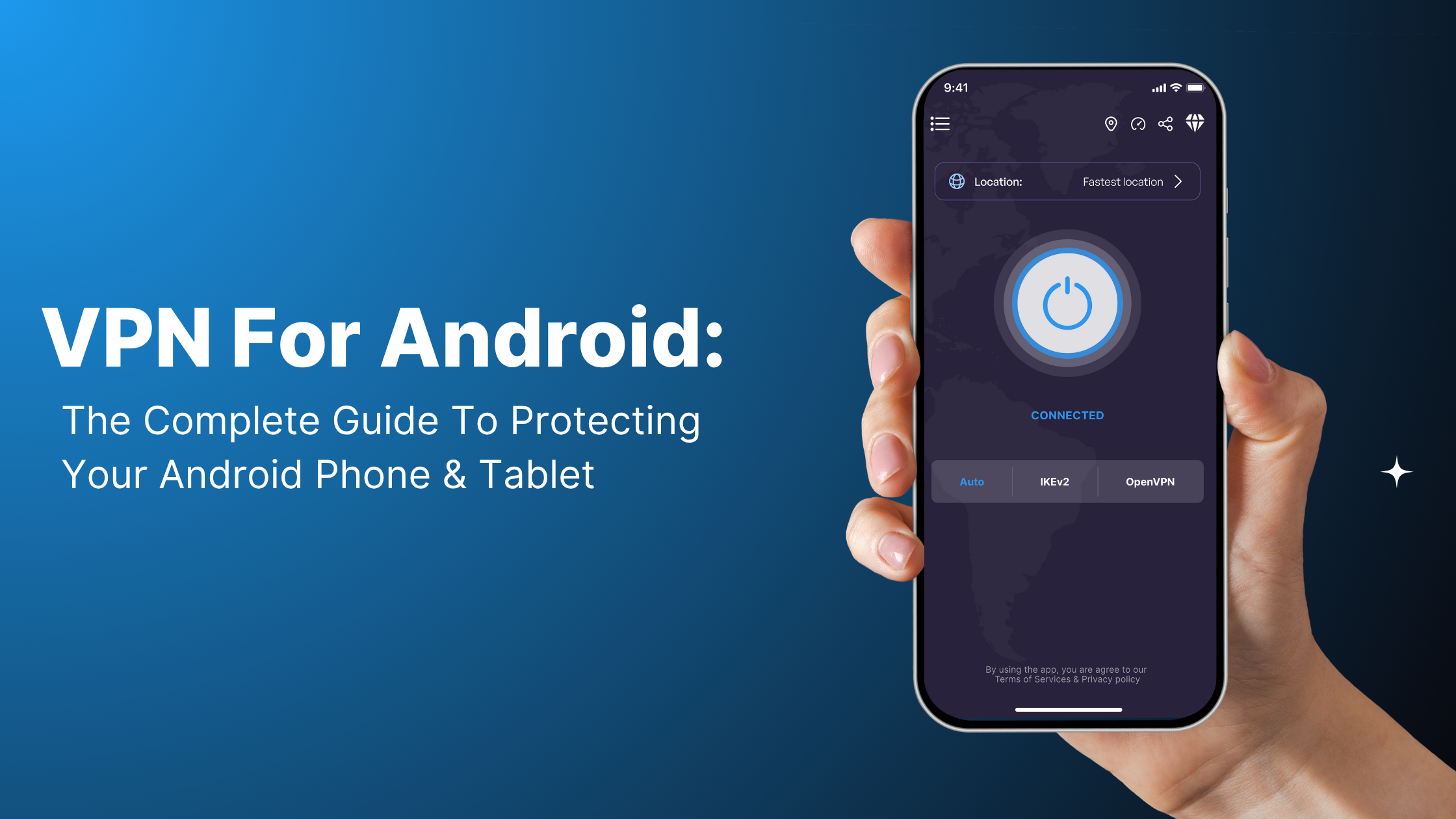 VPN for Android: The Complete Guide to Protecting Your Phone and TabletThis complete guide explains why Android devices need VPN protection and how to set it up effortlessly. Android's open ecosystem offers freedom but creates security vulnerabilities through public WiFi exposure, carrier data mining, and manufacturer tracking. The article provides step-by-step setup instructions for VPN - Super Unlimited Proxy, covering Android-specific features like always-on VPN, per-app protection, and quick settings integration. It addresses different Android manufacturers (Samsung, Google Pixel, OnePlus), compares free vs premium features, and explains how to maximize VPN performance while maintaining Android's customization advantages.
